Installation
You will need to install Blender (version 3.0 or better) to use MIDI Animator.
Download
Download the .zip file in the Releases pane, or click here.
Warning
Do NOT unzip the file. If the zip file is unzipped, the add-on will install improperly.
Install
In Blender, go to Edit -> Preferences

Next, go to Add-ons -> Install…

Locate the .zip file.
Make sure to enable the add-on by pressing the checkbox.
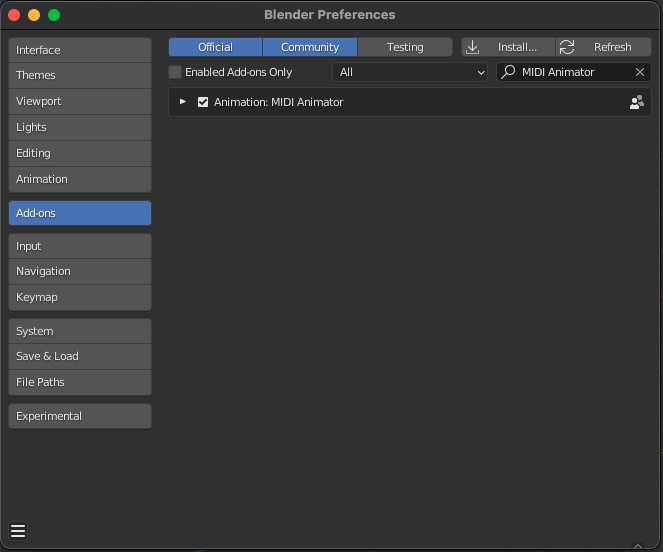
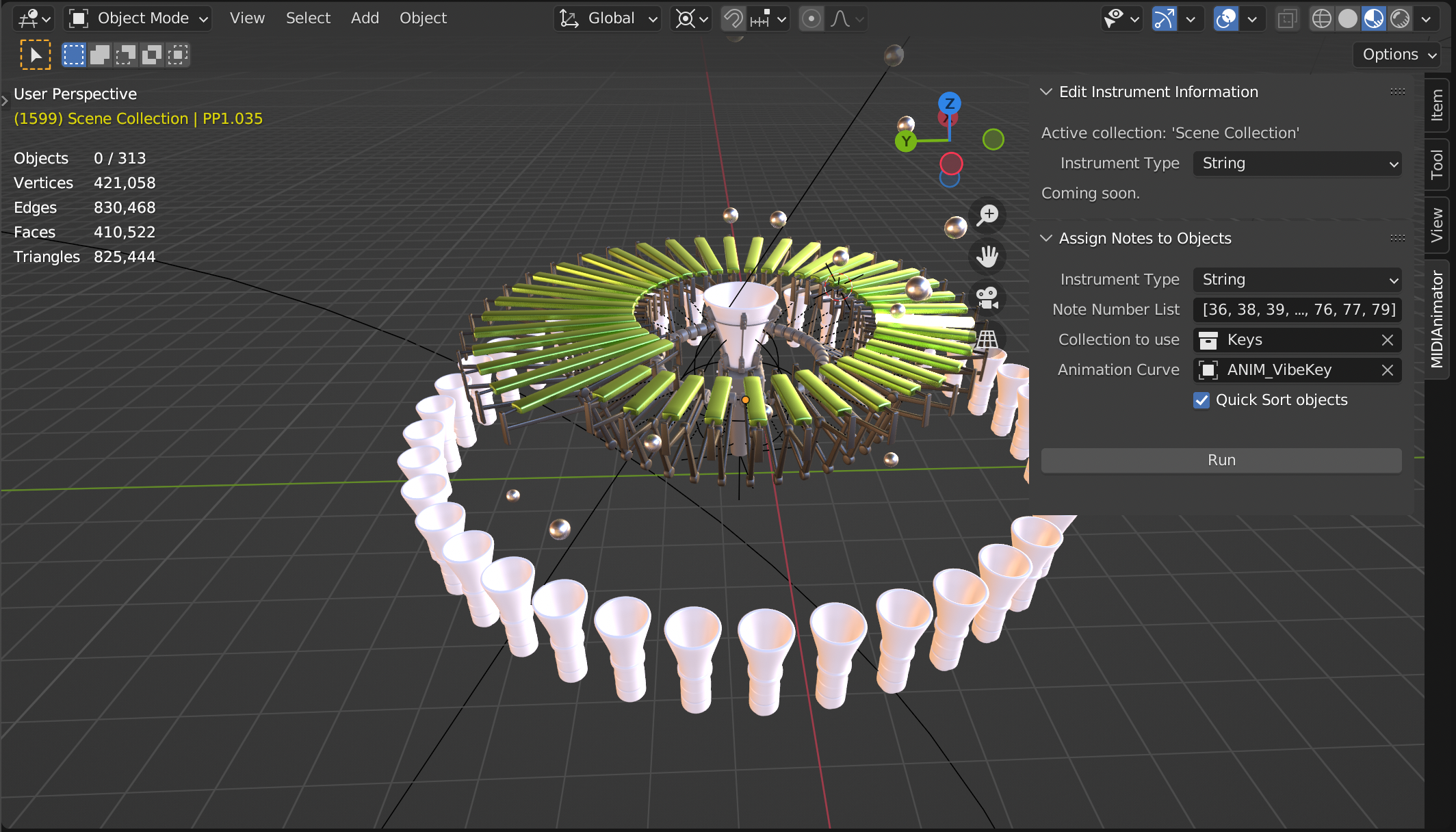
Volia! You have now successfully installed MIDI Animator. You should see the “MIDIAnimator” tab now in the 3D viewport.
Next Steps
Check out the Getting Started page.
Do the simple tutorial.
Do the advanced tutorial.